StudyLens
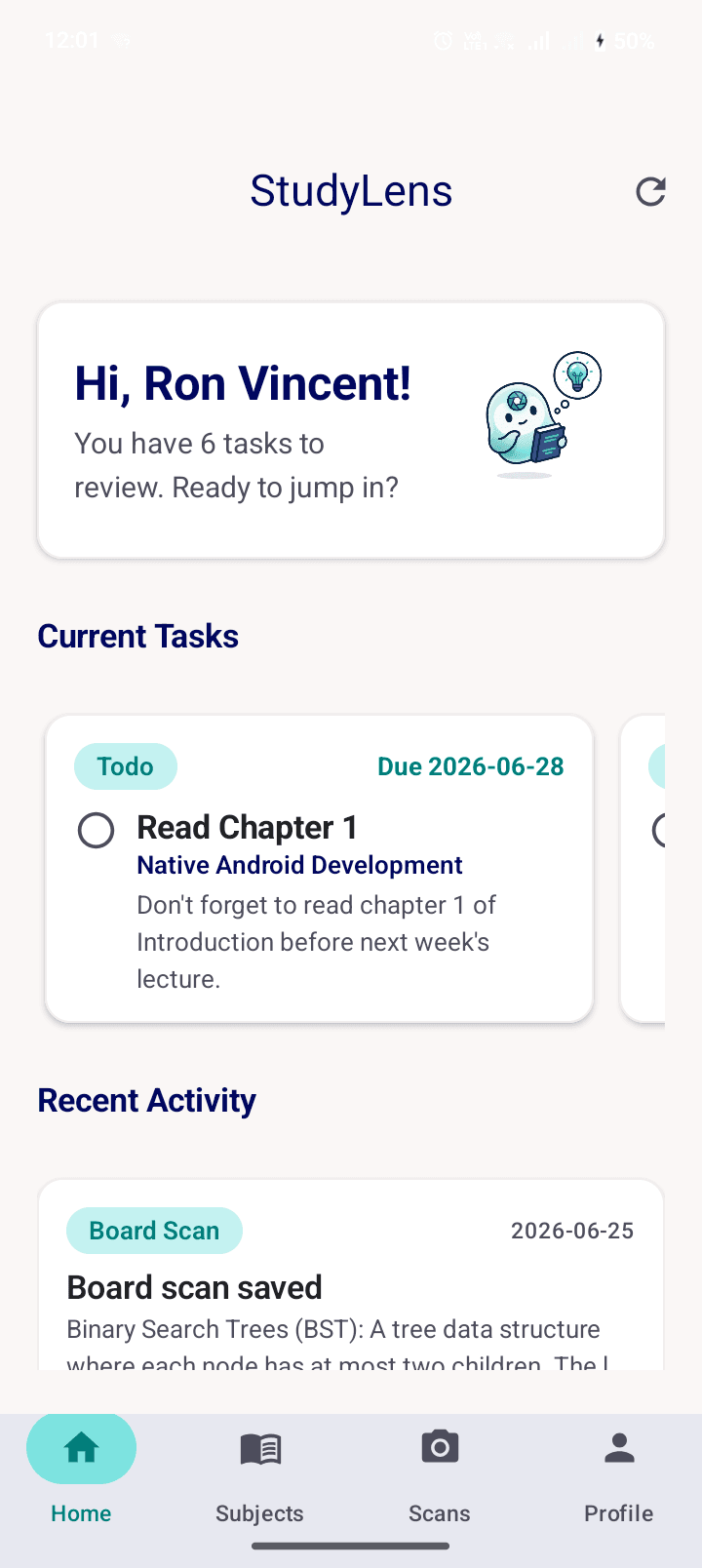
StudyLens is an Android study app. Students can organize course modules, save notes from classroom whiteboards, track reading progress, and create summaries, flashcards, and quizzes from their learning material.
The problem
Course files, classroom notes, and practice questions often live in different places. Taking a photo of a whiteboard also leaves the student with an image instead of editable notes. StudyLens brings these tasks together without putting AI service credentials in the Android app.
What I worked on
I built the Android app using Kotlin and Jetpack Compose. I worked on the subject and module screens, camera capture, OCR note review, study tools, and Django API integration. I also built the app's state and data flow using ViewModels, repositories, and Retrofit.
How it works
Students can group learning material into subjects, modules, and chapters. The app shows recent activity and reading progress. A module reader displays supported course content, including PDFs.
For whiteboard notes, CameraX captures an image. The student can crop the image before text extraction. Google ML Kit recognizes text on the device. The student can correct the result and save it as a board note linked to learning material. An image can also be uploaded when the student chooses to keep it with the note.
The Android app calls a Django REST Framework API. PostgreSQL stores student-owned learning records, scans, and study-tool results. The backend checks record ownership so one student cannot read another student's data by changing a request.
The backend can extract text from uploaded PDF, DOCX, and PPTX files. That text can be used to create summaries, flashcards, quizzes, and tutor prompts. The Android app sends those requests to Django, not directly to an AI provider. The server selects the provider, prepares the prompt, checks structured results, and stores the response.
The tutor feature uses student answers to decide whether to continue or finish a practice session. It is not meant to be a permanent unrestricted chat room.
Key technical decisions
Use on-device OCR. Text recognition runs on Android. This gives the student an editable result without sending every image to an external OCR service. Saving a scan to the backend is a separate action.
Keep AI work behind the API. The Android app does not store the AI provider key. Backend code also checks generated flashcards and quizzes before saving them.
Keep a small local cache. Room stores selected read data, such as subjects, modules, and scans, for faster repeat views and limited offline access. DataStore holds tokens and preferences. The app does not have a general offline write queue or conflict-resolution system.
Testing and current status
StudyLens is an Android course project and is not published on Google Play. The repository contains Django API tests and Android test scaffolding. It also documents the current build and API boundaries. This review did not run the app or claim broad device compatibility. Teacher features, offline write synchronization, and production file storage are not part of the current implementation.